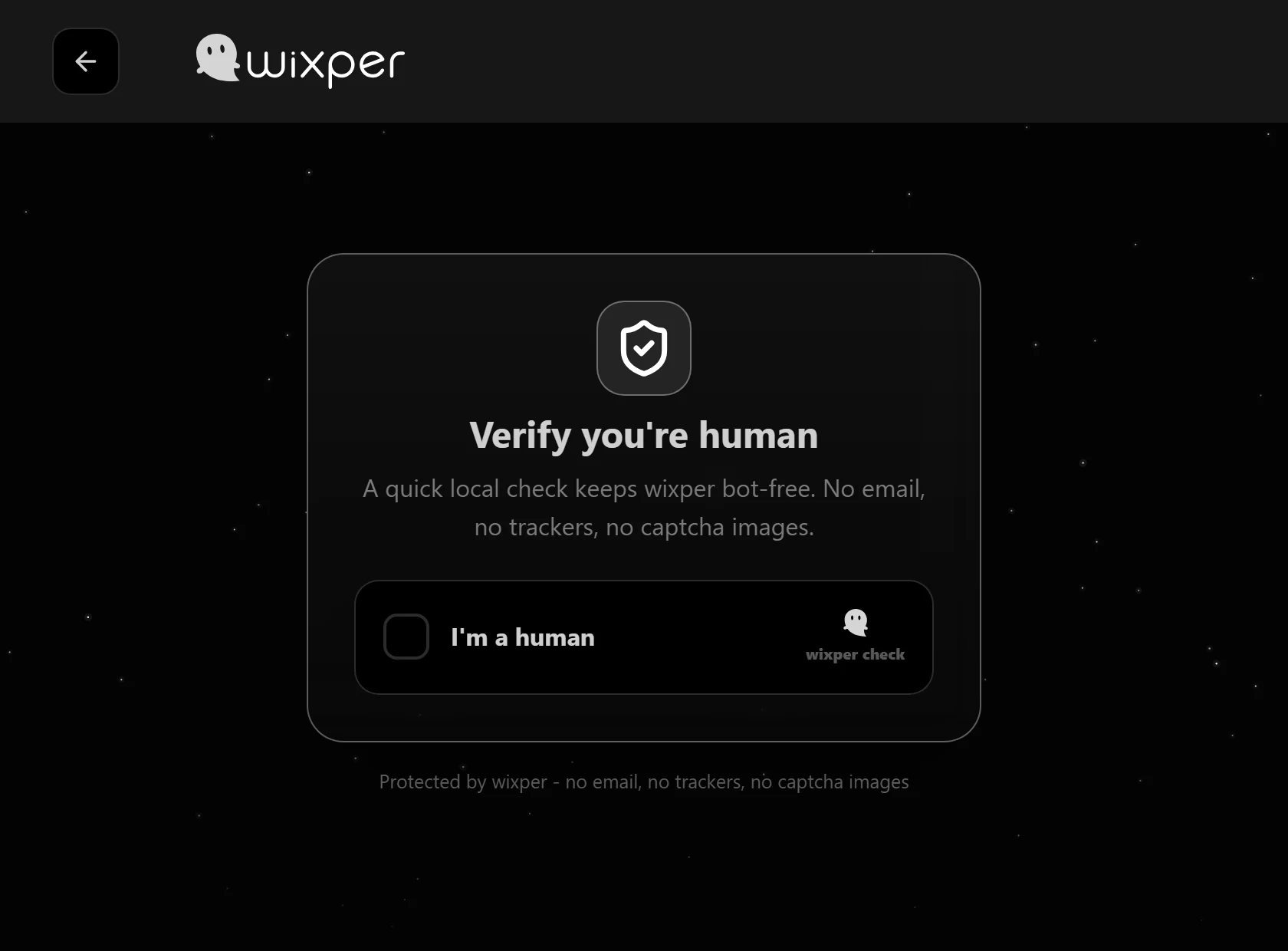
1. Complete the human check
Open the Wixper app and complete the short check shown before guest matching. This step appears before the queue. It does not verify the identity, age, motives, or trustworthiness of the person you may meet.
Browser Text Chat for Adults
Meet an available stranger using messages in your browser. You can begin as a generated guest without providing an email address, keep your camera and microphone off, and use Skip or Leave chat whenever you want to end the conversation.
For adults 18+. Matching time depends on who is online. Every match is an unknown person.
Text chat lets you meet another available adult using written messages, without showing your face or using your microphone. This random text chat experience begins with a human check and a generated guest identity, then places you in a queue for a compatible match. When someone is available, you can type at your own pace and decide whether the conversation is worth continuing.
Starting with text gives you time to think before replying. It also lets you keep visual details about your face, room, workplace, school, or location outside the conversation. A stranger can still copy, photograph, or share what you type, so text should be treated as a lower-disclosure choice, not a promise of total privacy.
You never owe a stranger a call. If audio or video options appear, use them only when you want to and only after considering what they could reveal. Staying with messages is a valid choice for the whole session.
1. Complete the human check
Open the Wixper app and complete the short check shown before guest matching. This step appears before the queue. It does not verify the identity, age, motives, or trustworthiness of the person you may meet.
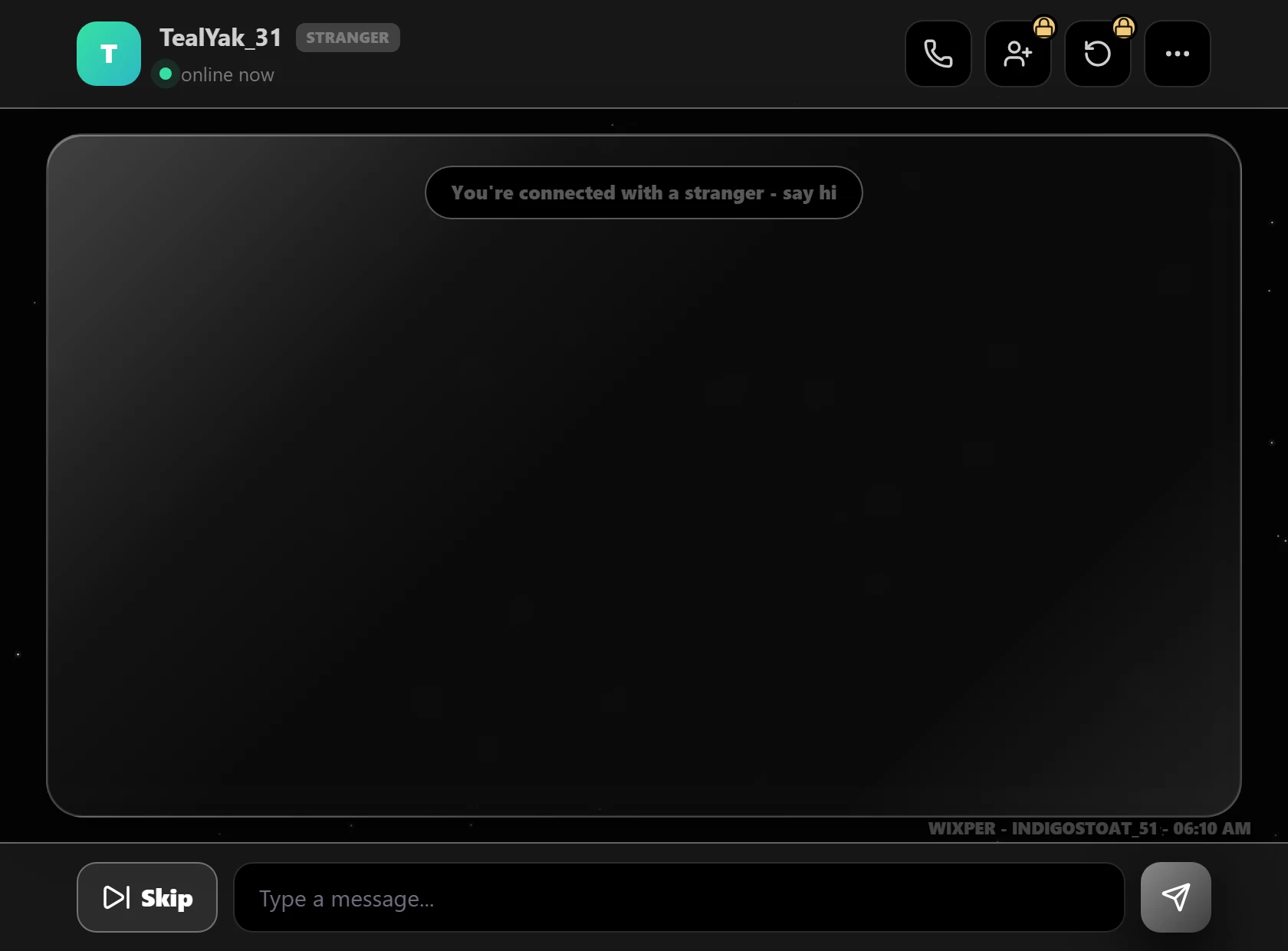
2. Enter with a generated guest identity
Wixper supplies a guest identity for the session. You do not need to provide a guest email address, choose a password, or build a permanent public profile before entering the matching flow.
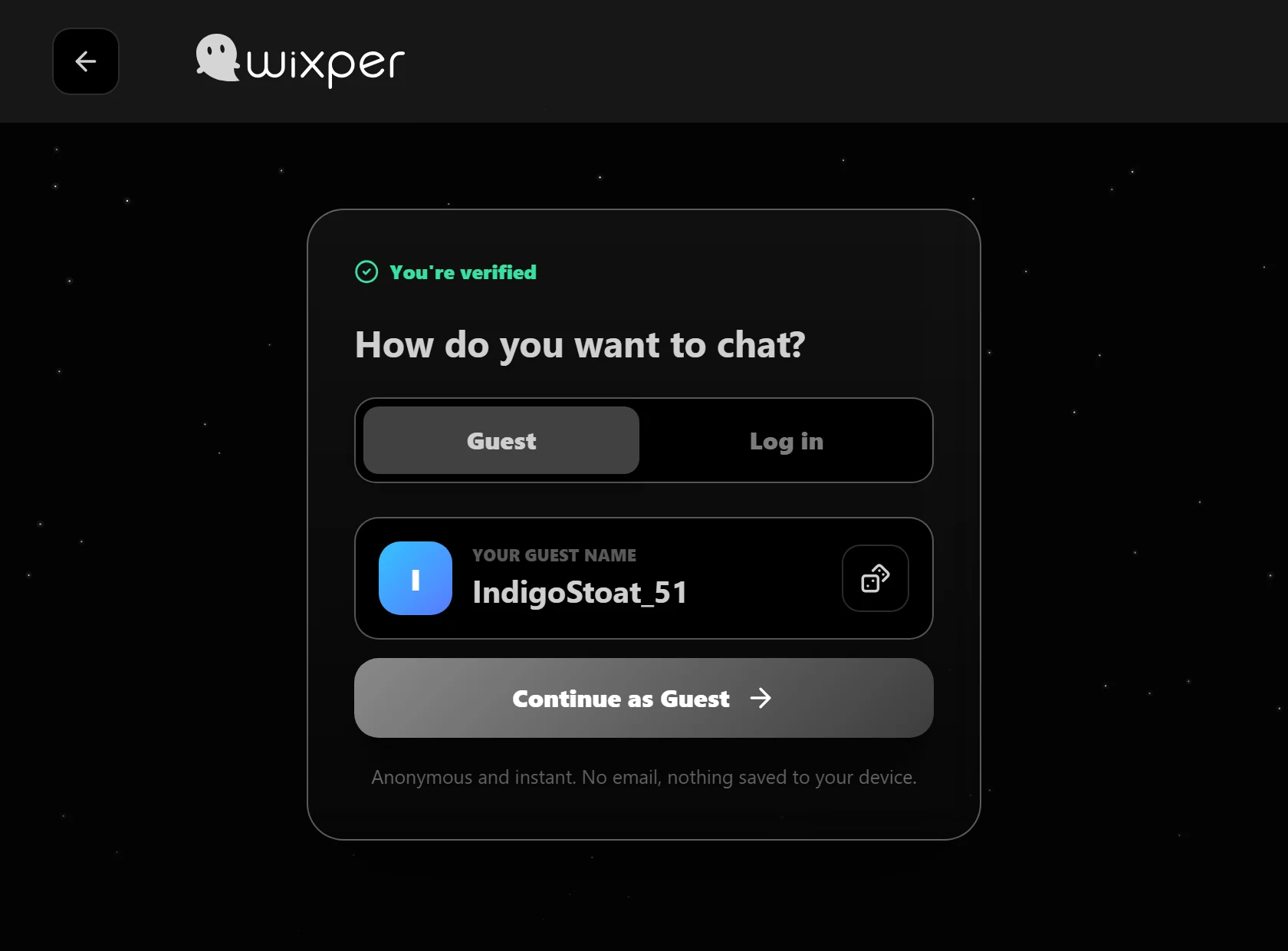
3. Wait for another available adult
Join the queue and wait for a compatible person who is online at the same time. Matching can take longer when the queue is quiet. Wixper should not promise a fixed wait time or display a made-up activity number.
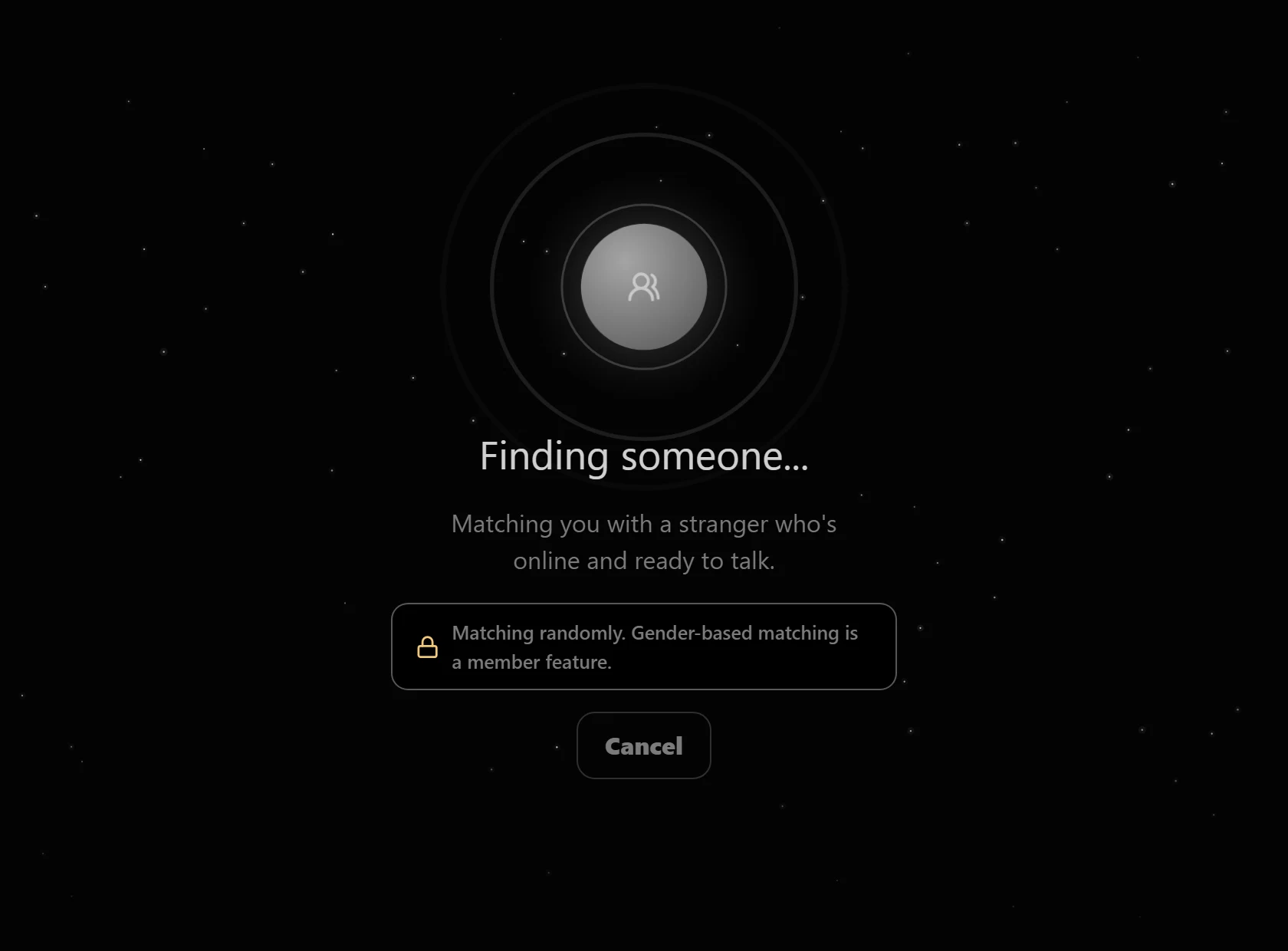
4. Type, skip, or leave
Begin with messages. If the conversation is not right for you, select Skip to look for another match. Select Leave chat when you want to end the session. You do not need to explain either choice to the stranger.
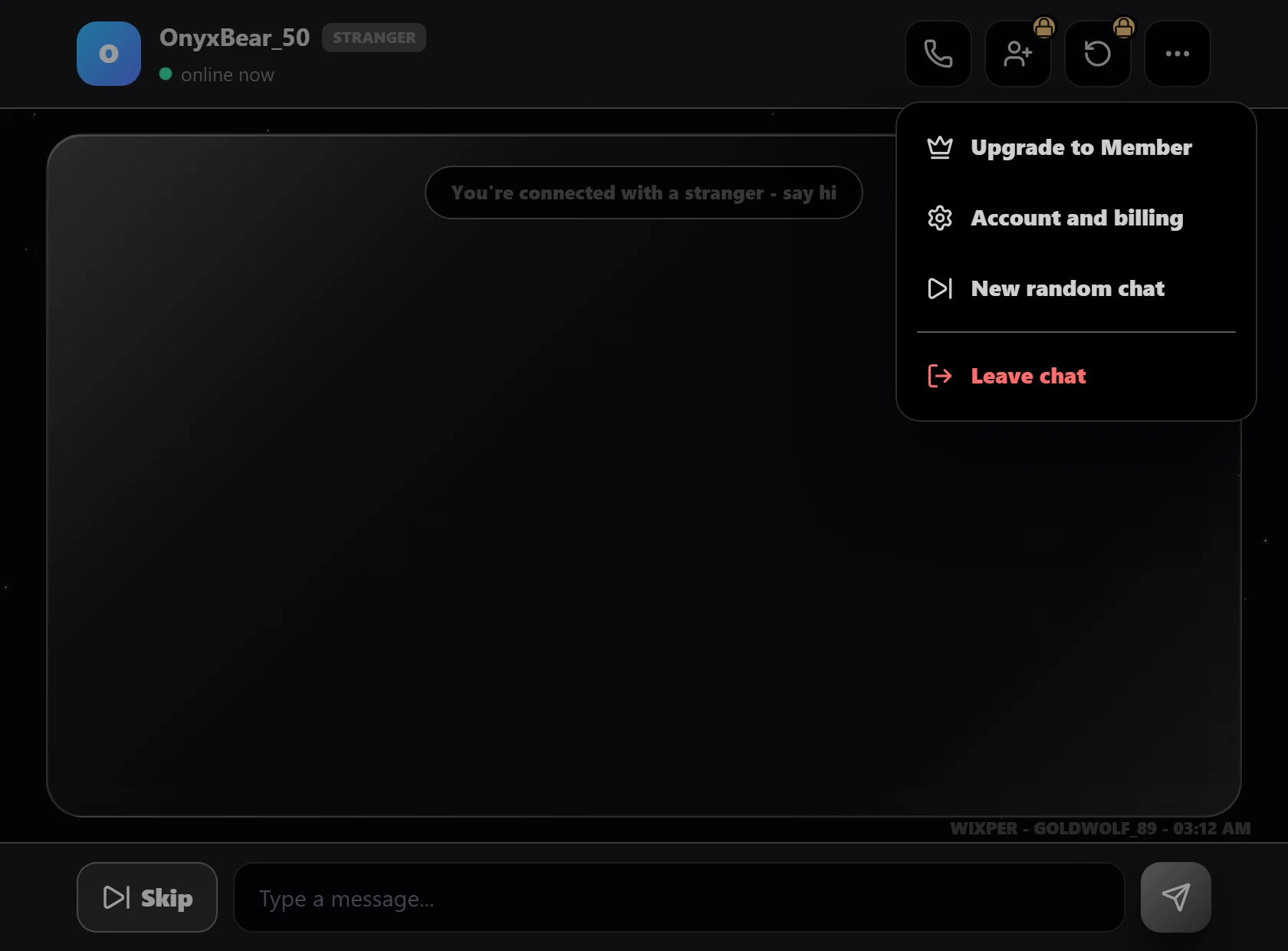
A text conversation gives both people a little space. You can read the tone, decide what you are comfortable discussing, and stop before sharing more. This can be useful when you want a casual conversation, a new point of view, or a few minutes of company without moving straight into a voice or video call.
Text also makes it easier to pause and reconsider a question. If someone asks for your real name, exact location, social account, phone number, workplace, school, payment details, password, or private photo, you can refuse and change the subject. If the pressure continues, use Skip or Leave chat.
No-camera chat still involves another real person who can save what appears on their screen. Do not type anything you would be unable to take back if it were copied. A careful start and clear boundaries matter more than trying to impress a match.
Wixper removes the long guest registration form from the first step. An adult guest can enter without providing an email address, creating a password, choosing a public username, or completing a permanent profile. A generated guest identity is used in the session instead.
This shorter entry does not make the other person verified, and it does not remove every form of service or network data. Read the Privacy Policy for current data-handling details. Keep your own identifying information out of messages unless you have a clear reason to share it and understand the risk.
The future Chat Without Signup page will explain the broader no-registration topic. This page stays focused on the text experience, including what you can control before, during, and after a match.
Wixper is designed to reduce the identity details requested from a guest before a first conversation. That is different from being untraceable. The stranger can still remember, copy, screenshot, photograph, or share your messages. Service and network data may also be processed as described in the Privacy Policy.
Use a nickname if needed. Avoid details that can connect the conversation to your offline identity, including a full name, home address, live location, personal email, private social handle, school, workplace, travel plan, financial information, password, or account recovery code.
If a question feels too personal, say no or leave. A trustworthy conversation does not require you to prove who you are. Clear limits protect you better than an absolute privacy claim that no online service can honestly guarantee.
Every match is a stranger. The human check does not confirm that the other person is safe, honest, or using accurate personal details. Treat unexpected links, requests for money, pressure to move to another platform, sexual demands, threats, blackmail attempts, and requests for identifying information as reasons to stop.
Select Skip when you want another match. Select Leave chat when you want to end the current session. Do not argue with someone who is abusive or try to collect evidence by staying in a harmful conversation. Protect yourself first.
An in-chat Block or Report button was not verified in the current product build. If you encounter conduct that may break the rules, leave the session and use the Report Abuse page or email abuse@wixper.chat. Include only the information the reporting form requests. Do not forward unnecessary private material.
Wixper is for adults aged 18 and over. Review the Safety Center and Community Guidelines before starting, especially if you are new to chatting with strangers online.
A good opening question gives the other person room to answer without revealing who or where they are. Try asking what made them laugh recently, which skill they would like to learn, what kind of music helps them focus, or what small thing improved their week. You can also discuss films, games, food, books, hobbies, or a harmless opinion.
Avoid opening with age checks, exact-location questions, requests for photos, sexual comments, or demands to move to a private account. You are speaking to an unknown adult, not a verified friend or date. Keep the first exchange light and let trust remain limited.
If the replies are rude, repetitive, manipulative, or simply not interesting, you can end the conversation. Random matching means some chats will be brief. A short, respectful exchange is still a normal outcome.
Text matching depends on another compatible adult being online at the same time. If no match appears quickly, keep the page open for a while, try again later, or return at a different time. A quiet queue is not proof that something is broken.
Wixper should never manufacture a live user count or promise that a stranger will appear within a fixed number of seconds. Honest wait expectations are more useful than a speed claim that changes with real activity.
Read the Safety Center for practical boundaries, the Community Guidelines for prohibited conduct, the Report Abuse page for the current reporting route, and the Privacy Policy for data-handling information. The Wixper guide to talking with strangers more safely online can help you plan what to share, what to keep private, and when to leave.
It is a matching experience that connects you with another available person for a written conversation when you do not know them in advance. On Wixper, an adult guest completes a human check, receives a generated guest identity, and enters a queue. When a compatible adult is available, both people can exchange messages. A match is not identity verification, so keep personal details private and leave whenever you want.
No. You can begin and continue with written messages without turning on a camera or microphone. If audio or video options appear in the current app, using them is your choice. Text consent is not consent to a call. You can decline, keep typing, select Skip for another match, or select Leave chat to end the session without giving the stranger an explanation.
A guest does not need to provide an email address, create a password, or build a permanent public profile before entering the current matching flow. Wixper supplies a generated guest identity for the session. This reduces the information required at the start, but it does not make a match verified or remove every online risk. Keep your real identity and account credentials out of the conversation.
Yes. Use Skip when you want to leave the current match and look for another available person. Use Leave chat when you want to end the session. You can use either control because the conversation feels unsafe, uncomfortable, dull, or simply not right for you. Do not stay because a stranger pressures you to continue or asks you to justify leaving.
Avoid your full name, home address, live location, phone number, personal email, private social accounts, school, workplace, travel plan, financial details, passwords, recovery codes, identity documents, and private photos. Be cautious with links and files. Anything you type can be copied or photographed by the other person. If someone keeps asking for personal information, stop replying and leave.
The queue waits for another compatible adult who is online at the same time. During quiet periods, matching can take longer. Keep the page open for a while, try again later, or return at a different time. Wixper does not need to invent an activity counter or guarantee an instant connection. Availability changes as real people enter and leave the queue.
No online conversation with a stranger can be promised as completely private or safe. A generated guest identity reduces the profile information requested from you, but the other person can still save or share what appears on their screen. Service and network data may be processed under the Privacy Policy. Share less, keep clear boundaries, and use Skip or Leave chat at the first sign of pressure or abuse.
Meet an available stranger using messages, keep your camera off, and leave whenever you choose. Wixper guest chat is for adults aged 18 and over.
No guest email required. Matching depends on who is online.
Last reviewed: July 29, 2026