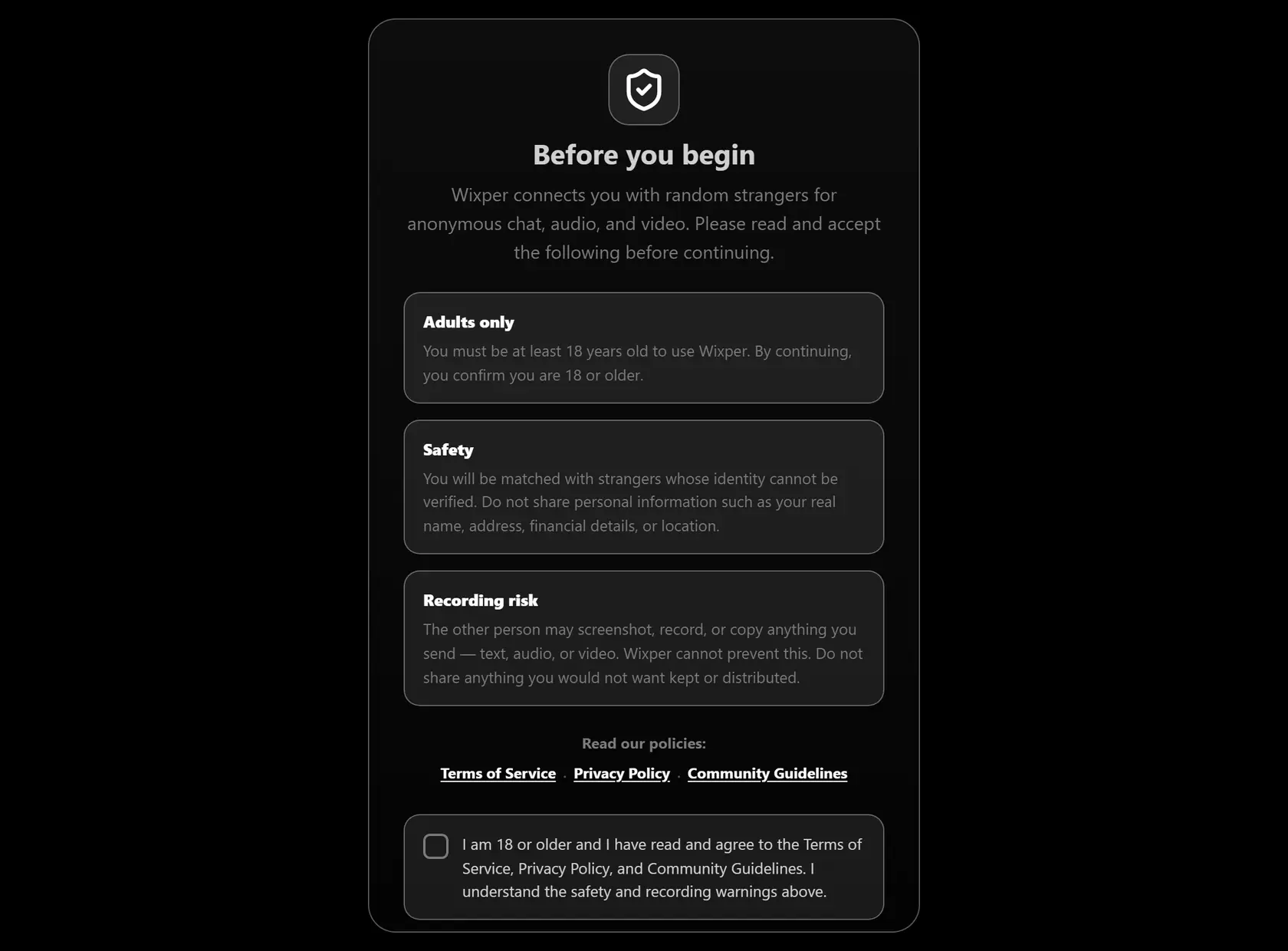
1. Open the Chat App
Select Start Chatting on this page to open the Wixper app. Guest access should not require a guest email address.
One Person at a Time
Enter a browser-based one-to-one match as a guest, choose a current communication mode, and use Skip or Leave whenever the conversation is not right for you.
Adults 18+ | Browser based | Human check before matching | Skip or leave when you choose
Wixper gives adults a browser-based way to talk to strangers through one random match at a time. You are not posting into a public room, browsing a directory of profiles, or building a follower feed. You enter the current guest flow, wait for another compatible person to be available, and decide whether the exchange is worth continuing.
The match is random, so the person, topic, tone, and wait can vary. A human check is designed to reduce automated entry, but it does not prove the other person's real name, age, location, background, intentions, or identity. A generated guest name is a session label, not a verified account.
This page explains what happens before and during a match. It also shows which choices remain yours: whether to use text, audio, or video when those options are available, what to share, whether to continue, and when to leave.
Random stranger chat is useful when you want a conversation outside your usual circle, a new point of view, or a short exchange without setting up a public profile first. The value is the possibility of a good conversation, not a guaranteed friendship, perfect match, or emotional result.
Some people arrive with a topic in mind. They may want to compare music, games, films, travel, food, work routines, or everyday life in another place. Others simply want to see what subject develops after a friendly first question.
Keep the expectation small at the beginning. One respectful exchange is enough. If the conversation becomes interesting, let it grow naturally. If it stays flat or crosses a boundary, use the current controls and move on.
The current Wixper guest path moves from entry to a random queue in a few visible stages.
1. Open the Chat App
Select Start Chatting on this page to open the Wixper app. Guest access should not require a guest email address.
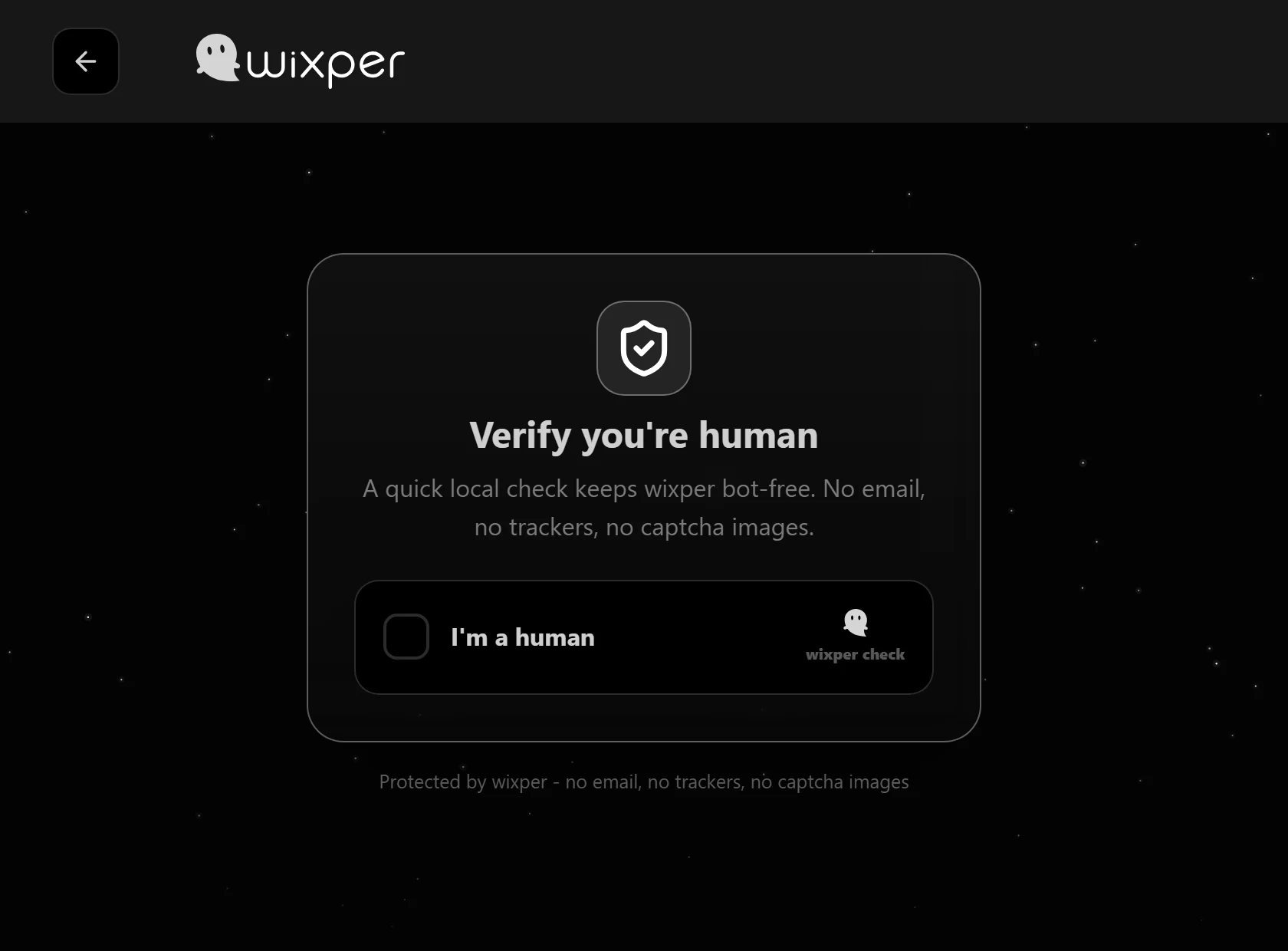
2. Complete the Human Check
Finish the current human check before matching. This step can reduce automated entry, but it is not identity, age, background, or intention verification. Treat every match as an unknown person.
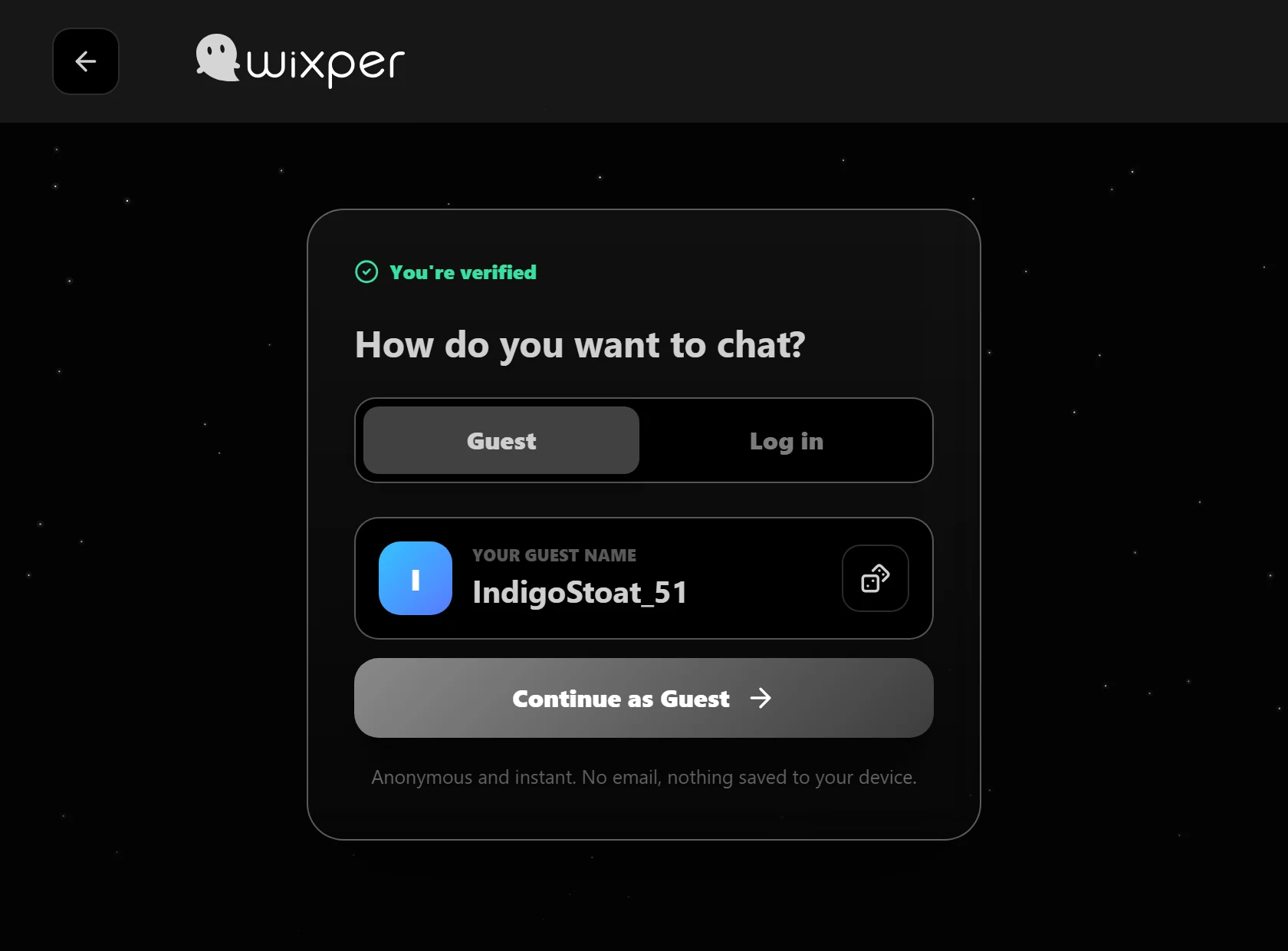
3. Receive a Generated Guest Identity
The app can present a generated guest name for the session. It helps avoid asking for a public profile at the start, but it does not make anyone fully anonymous or prove that the person behind the label is who they claim to be.
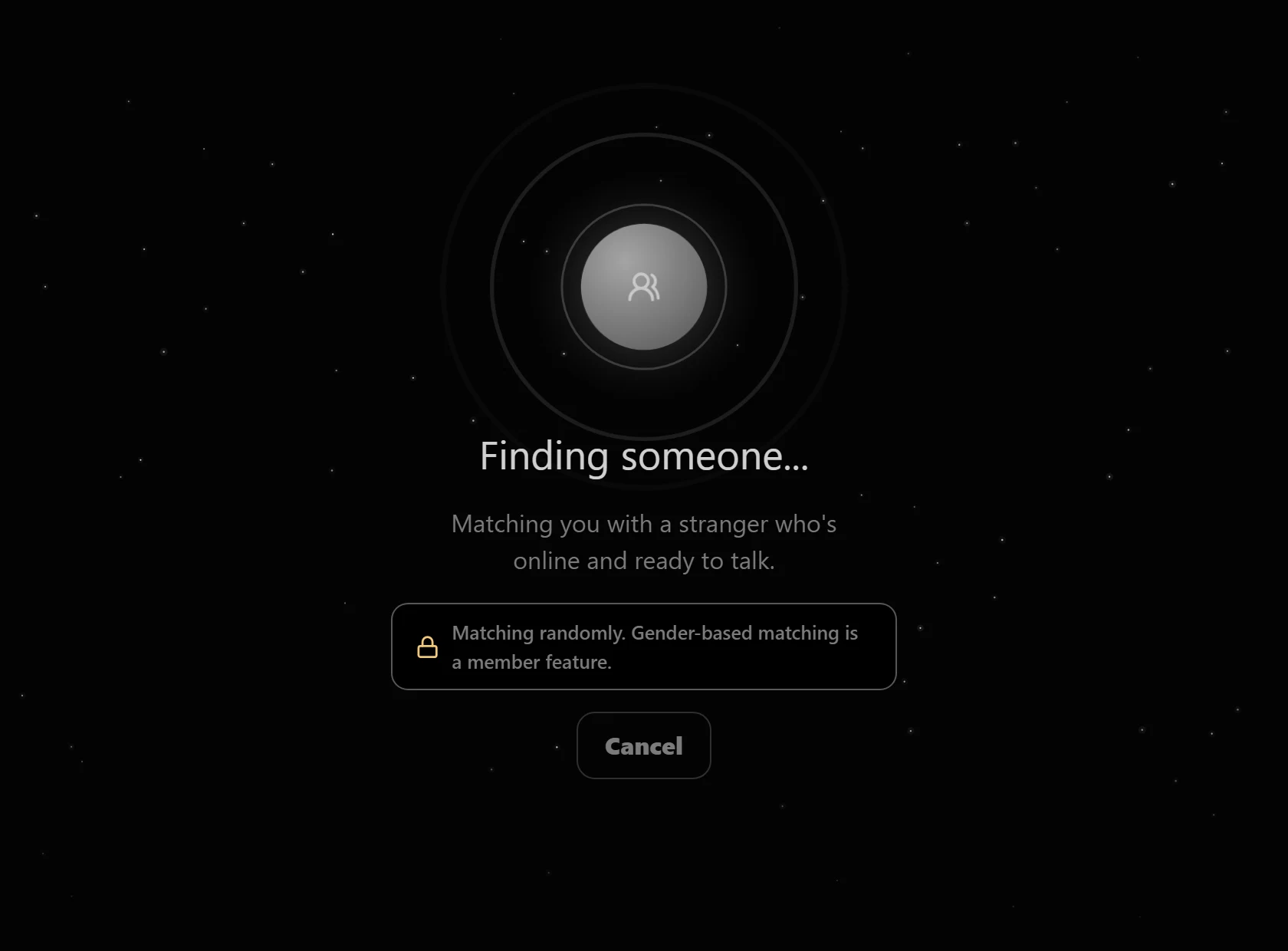
4. Enter the Queue
The queue looks for another compatible person who is available at the same time. A match may take longer when activity is low.
5. Choose How You Want to Communicate
When the current interface offers text, audio, and video, you choose which level of contact fits the moment. Browser permission prompts may appear for microphone or camera access. You can keep those permissions off and use a less revealing option.
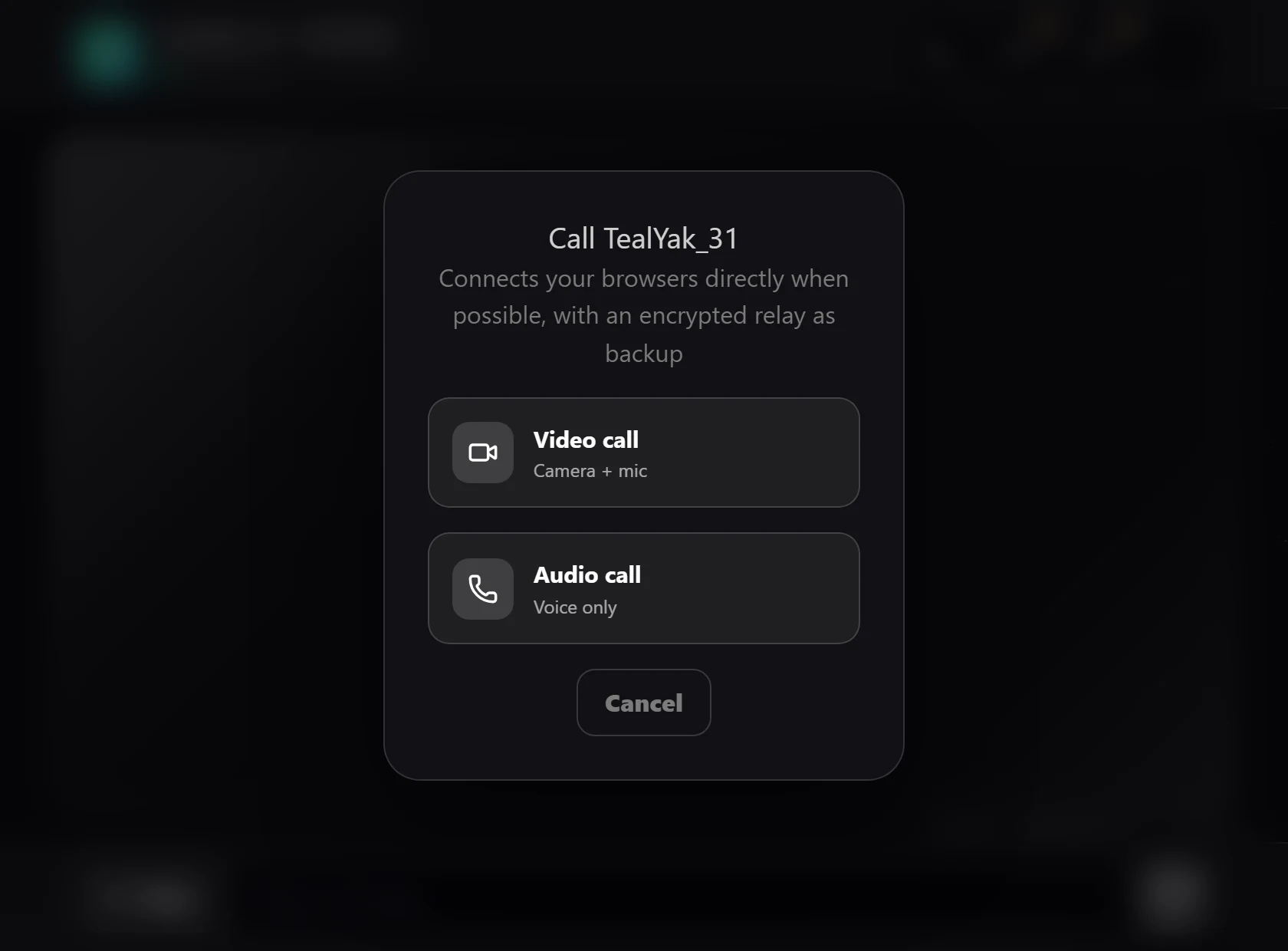
Text is the lowest-exposure starting point because it does not require a camera or microphone. It gives you time to read, think, and decide whether the other person respects ordinary boundaries. Visitors who prefer that path can review the Random Text Chat page before starting.
Audio adds a live voice but no camera image. A voice can reveal more than typed words, including accent, background sound, and details about where you may be. Use headphones in shared spaces and avoid saying names, addresses, workplaces, schools, or other details that narrow down your identity.
Video reveals the most. Your face, room, clothing, documents, windows, reflections, notifications, and people nearby may all disclose information. Check the frame before granting camera access. Turn video off or leave if the other person pressures you to show more than you intended.
Mode choice can change during a session, but consent does not transfer automatically. Agreeing to text is not agreement to audio. Agreeing to audio is not agreement to video. A respectful match accepts a clear no.
When you want to talk to strangers, a specific but low-pressure opener works better than a demand for personal details. Use a simple three-part pattern: share one harmless detail, ask one open question, then respond to something in the answer.
You might write, “I have been looking for a new film this week. What is one you would recommend?” Another option is, “I am choosing music for a long walk. What song have you played more than once lately?” Both give the other person a topic without asking for a real name, location, social account, or photo.
If the reply is one word, try one follow-up that narrows the choice. Ask, “Was it the story or the characters that made it good?” If the second reply still gives you nothing to build on, change the topic once or leave. A random match is not an obligation to rescue a conversation.
Avoid opening with private questions about age, exact location, relationship status, workplace, school, money, or contact details. Start with opinions, preferences, or everyday interests. Let trust grow from respectful behavior rather than from fast disclosure.
Random matching needs two people whose settings and availability line up at the same time. When fewer people are waiting, the queue can take longer. That does not automatically mean the page is broken, and it does not give Wixper a basis for promising a maximum wait.
You can keep waiting, leave, or return later. If the app displays an error rather than a normal queue message, check your connection and any current service notice. Do not refresh repeatedly in a way that restarts a valid queue unless the product specifically instructs you to do so.
Honest queue language matters because activity numbers can be easy to fake and hard for a visitor to verify. Wixper should show the current product state, not create urgency with a fabricated counter or a claim that someone is always ready.
Guest entry can reduce the profile information requested before a conversation, but it does not make the exchange invisible or risk-free. The other person can still remember, record, photograph, copy, or repeat what appears on their screen. Service and network data may also be processed as described in the Privacy Policy.
Keep your real name, exact location, phone number, email, social profiles, school, workplace, passwords, financial details, private images, live location, and identifying documents out of the chat. Small clues can combine. A view from a window, a work logo, a delivery label, or a notification can reveal more than a single answer.
Treat links and files from an unknown person as untrusted. The FTC advises people to be cautious with unexpected links or attachments and to use multi-factor authentication on accounts. If a stranger asks you to move quickly to another service, reveal credentials, or install something, slow down and leave the conversation.
Leave when the other person ignores a boundary, asks for money, requests sexual or private material, threatens you, sends suspicious links, pressures you to move off-platform, or tries to learn identifying details. You can also leave because the exchange is dull, hostile, manipulative, or simply not what you want.
FTC Consumer Advice warns that an online contact who asks for money is likely to be a scam, especially when they insist on a bank transfer, wire transfer, cryptocurrency, payment app, or gift card. Do not send money, payment credentials, codes, or account access to someone you met in a random chat.
Use Skip to look for another available match. Use Leave chat to end the current session. If the behavior may violate Wixper's rules, end the conversation first, then use the public Report Abuse route or email abuse@wixper.chat. Contact local emergency services if someone faces immediate danger.
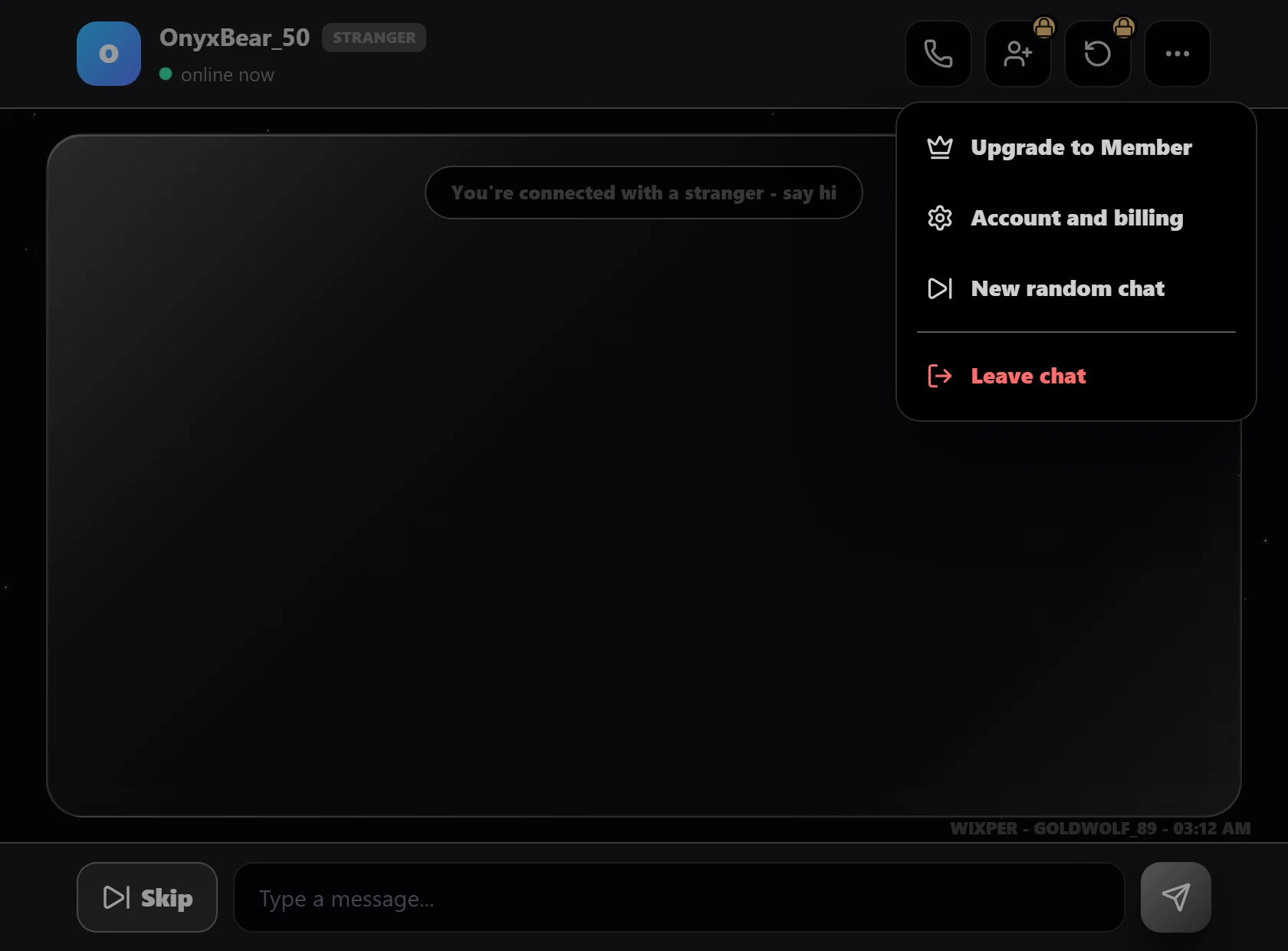
The current product evidence supports a guest start, human check, generated identity, queue, text, audio and video choices, Skip or New random chat, and Leave chat.
The evidence does not support a promise of instant matching, complete anonymity, verified identities, no bots, zero storage, encryption, round-the-clock human moderation, or a visible in-chat Block or Report control.
This restraint is part of the product experience. A visitor should know which choices are theirs, which safeguards have limits, and where reporting happens. Accurate expectations build a stronger brand than a claim the current release cannot prove.
Wixper is intended for adults. Read the Safety Guidance for practical precautions, the Community Guidelines for expected behavior, and the Acceptable Use Policy for prohibited conduct.
The Terms of Service describe the service relationship, while the Privacy Policy explains current data handling. Use the Report Abuse page after leaving a harmful exchange. For a general website or account question, use the Contact page.
These pages do not replace judgment inside a conversation. Share less than you think you need to, notice pressure early, and use the exit controls without waiting for the other person to agree.
Yes. The current Wixper flow allows an adult to continue as a guest without providing a guest email address. You complete the human check, receive a generated session identity, and enter the matching queue. Guest access is not proof of complete anonymity, and the generated label is not identity verification. Keep personal details out of the conversation.
No. Wixper's current random-chat experience is designed around a one-to-one match rather than a public room where many people post together. You wait for another compatible person, then decide whether to continue that individual exchange. The match can vary and may take longer when the queue is quiet.
Yes, when the current interface presents text as an available mode. Text can be a lower-exposure place to begin because it does not require camera or microphone access. Audio and video should remain optional choices. Browser permission prompts may appear if you choose them.
The queue needs another compatible person to be available at the same time, so a quiet period can produce a longer wait. Wixper does not have a verified basis for promising an instant match, a maximum queue time, or a person in every session. You can keep waiting, leave, or return later. If the app shows an error instead of the normal queue state, check your connection and any current service notice.
No. A human check can reduce automated entry, but it does not prove someone's real name, age, location, background, intentions, or identity. A generated guest name also remains a session label rather than a verified profile. Treat every match as an unknown person. Keep identifying information private, question requests that create pressure, and use Skip or Leave as soon as the exchange crosses your boundaries.
Do not share your real name, exact location, phone number, email, social profiles, school, workplace, passwords, payment details, private images, live location, security codes, or identifying documents. Also check what a camera frame, microphone, notification, reflection, or background object could reveal. The other person may save or repeat anything they can see or hear, even when the session itself feels temporary.
Leave early. Use Skip when you want another available match, or use Leave chat to end the session. You do not owe the other person an explanation. Do not send money, follow suspicious links, install files, reveal account details, or stay to collect evidence while someone is threatening or pressuring you. After leaving, use Wixper's public Report Abuse page when appropriate. Contact local emergency services for immediate danger.
When you are ready to talk to strangers, begin with one conversation and keep the decision to continue in your hands. Start as a guest, choose the least revealing mode that fits the moment, and remember that a generated identity or human check does not verify the person you meet.
The wait and match can vary. Protect what you share, notice pressure early, and use Skip or Leave whenever the conversation is not right for you.