Anonymous Chat on Wixper
Wixper gives you a browser-based way to meet one person at a time without creating a permanent public profile. An anonymous chat begins with guest entry, a human check and a generated guest name, then places you in a queue for a one-to-one text match.
The generated name reduces the personal information shown by default. It does not make either person invisible, verify who they are or stop someone from learning details that are shared during a conversation. Start with little, notice how the other person behaves, and choose what happens next.
Users must be 18 or older. No guest email is requested during the current entry path. A match depends on another compatible person being available, so a wait can occur.
What Anonymous Chat Means on Wixper
On Wixper, the word anonymous describes a limited starting identity, not a promise that nobody can identify you. The service creates a guest label instead of asking you to build a public profile. That gives you a cleaner starting point, but three different layers still matter.
What the matched person sees
The other person sees the generated guest label and anything you choose to send or reveal. A text message can contain a real name, workplace, neighborhood, social handle or routine. A photo can contain a face, badge, street sign or file information. Voice and video can reveal an accent, room, uniform, school logo, family member or notification.
The safest assumption is simple: another person can remember, copy, photograph or record what appears on their device. A disappearing screen or a short meeting does not control what happens after information reaches somebody else.
What the service processes
Wixper still needs technical information to connect a browser, maintain a session and move data between participants. The current Privacy Policy explains that messages are relayed in memory and are not written to disk by the application, and that the application writes no message, identity or connection logs. It also explains separate anonymised web-server access logs, which rotate after 14 days, and short-lived IP processing used to derive a two-letter country code in memory.
Those distinctions matter. A generated label is not the same as collecting nothing, and an application log is not the same thing as a web-server access record. Read the policy before using the service if these details affect your decision. The policy, rather than a slogan on this page, is the controlling description of current processing.
What you can reveal yourself
People often identify themselves through a combination of small clues. A first name may feel harmless until it appears beside a city, employer, hobby group and regular schedule. The same is true when a username is reused across several services. You remain in control of many of these signals, but that control becomes weaker after you share them.
If you searched for anonymous chat online because you want a lower-profile conversation, decide your limits before the first message. Keep identifying details out of your guest exchange, use a separate contact path only if you genuinely need one, and leave when someone tries to hurry you past a boundary.
How to Start a One-to-One Guest Conversation
Wixper's current flow is short, but each step has a specific purpose.
- Open the Wixper app. Read the entry notice before continuing. The public website explains the service, while the conversation experience runs at app.wixper.chat.
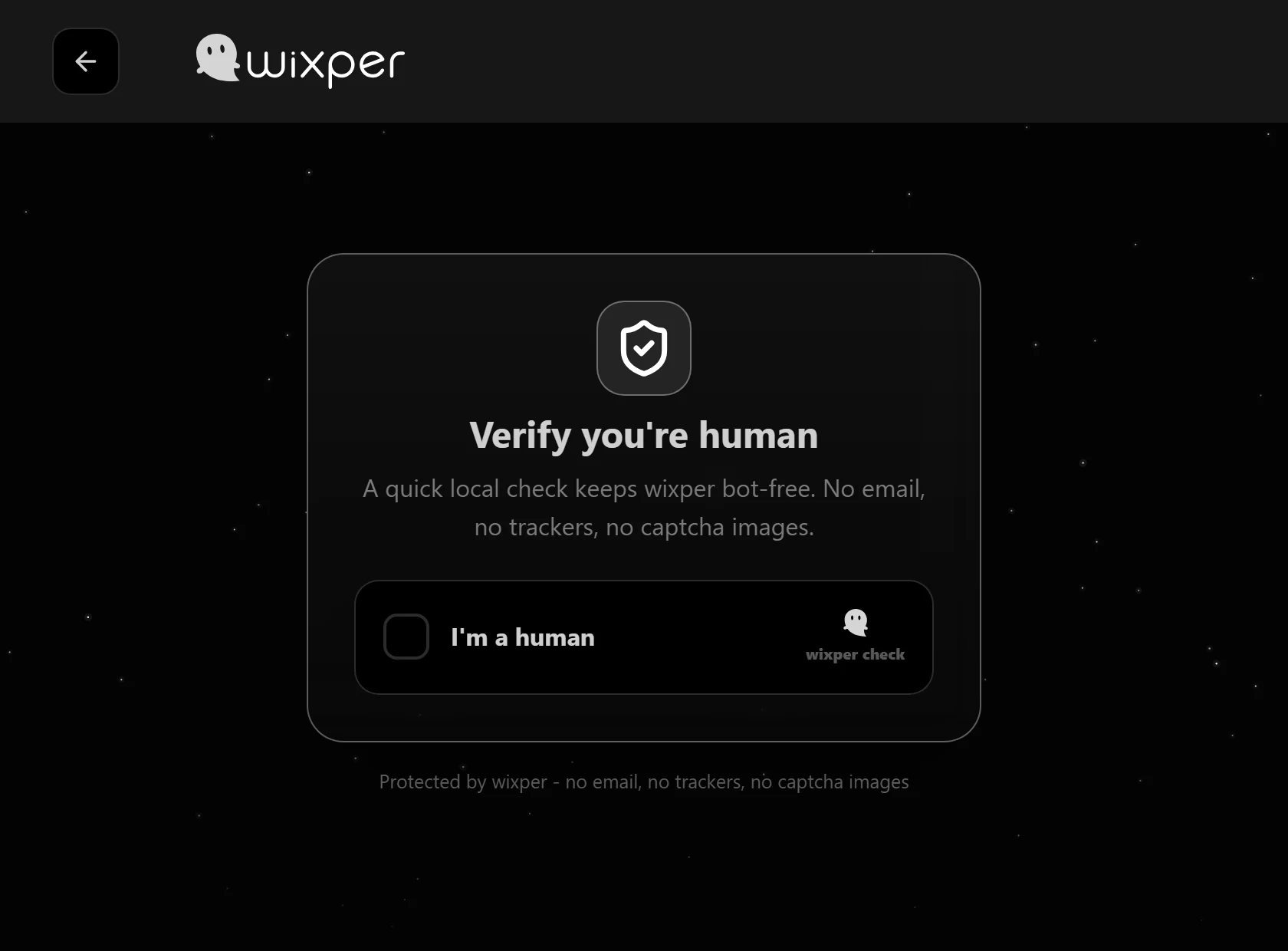
- Complete the human check. This helps reduce automated entry. It does not prove a person's name, age, location, background or intentions.
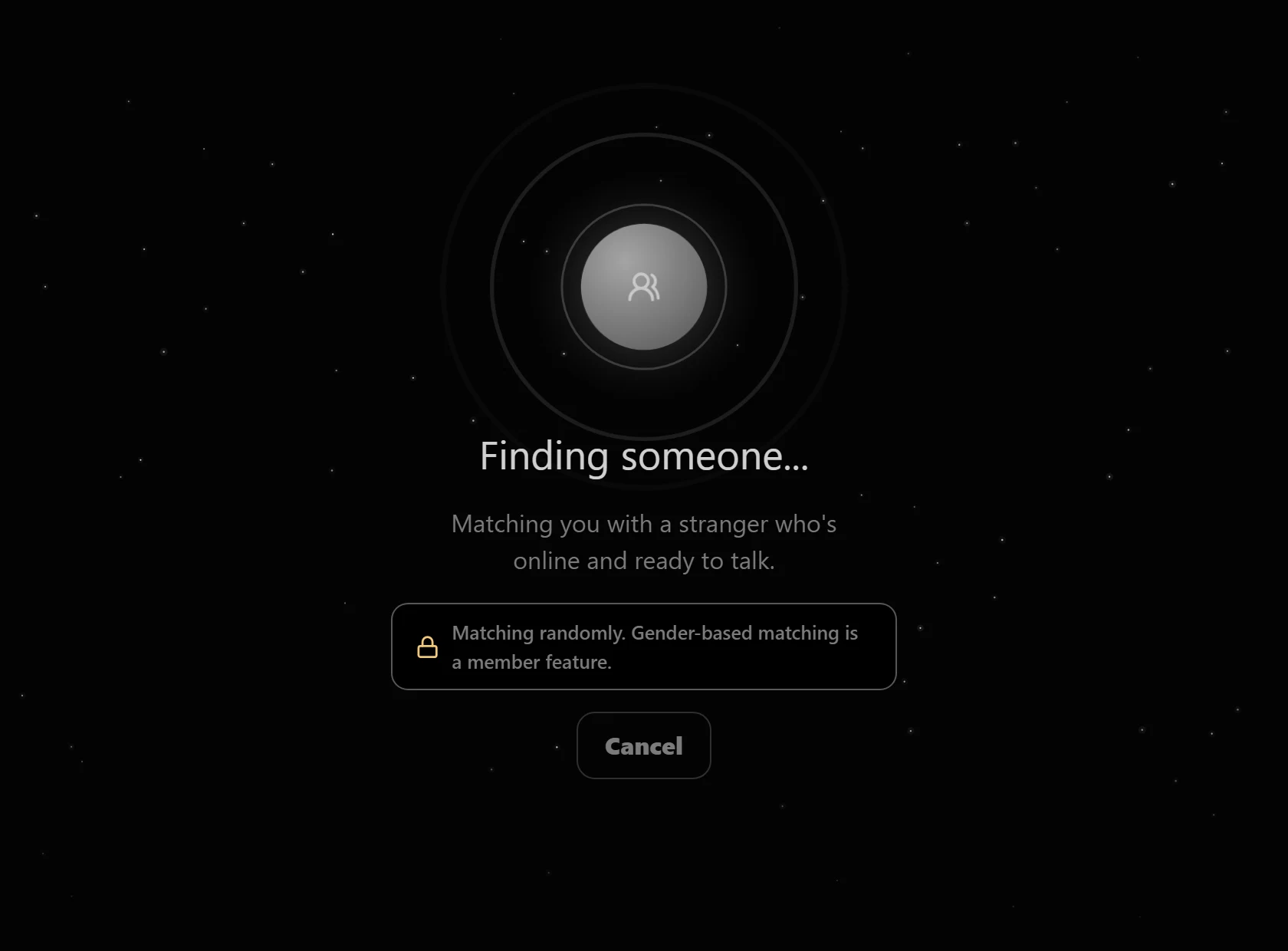
- Receive a generated guest identity. Treat it as a temporary display label for the session, not as a verified identity and not as a disguise for harmful behavior.
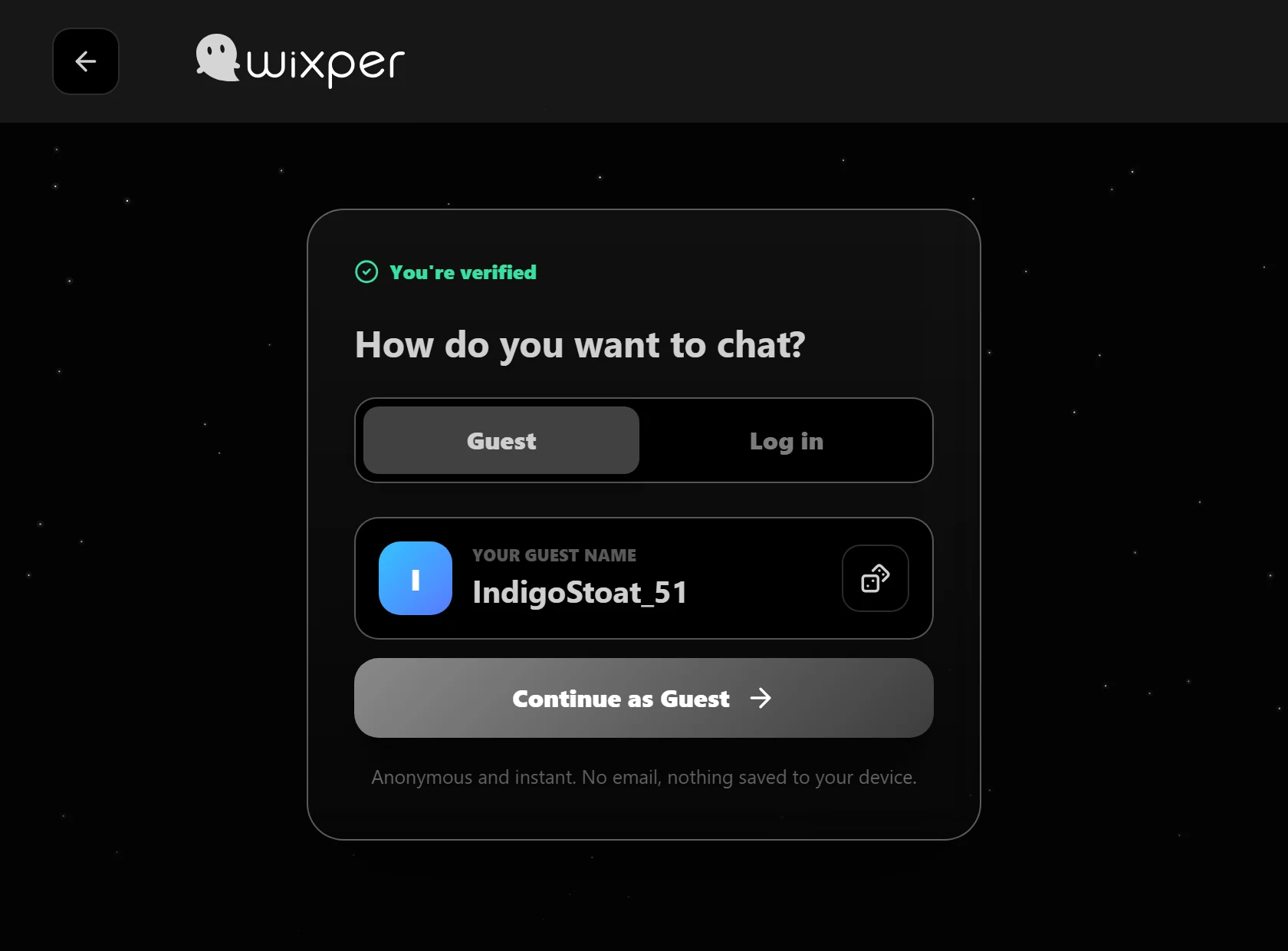
- Enter the matching queue. Wixper looks for another available person. There may not be an immediate match, especially while the community is growing.
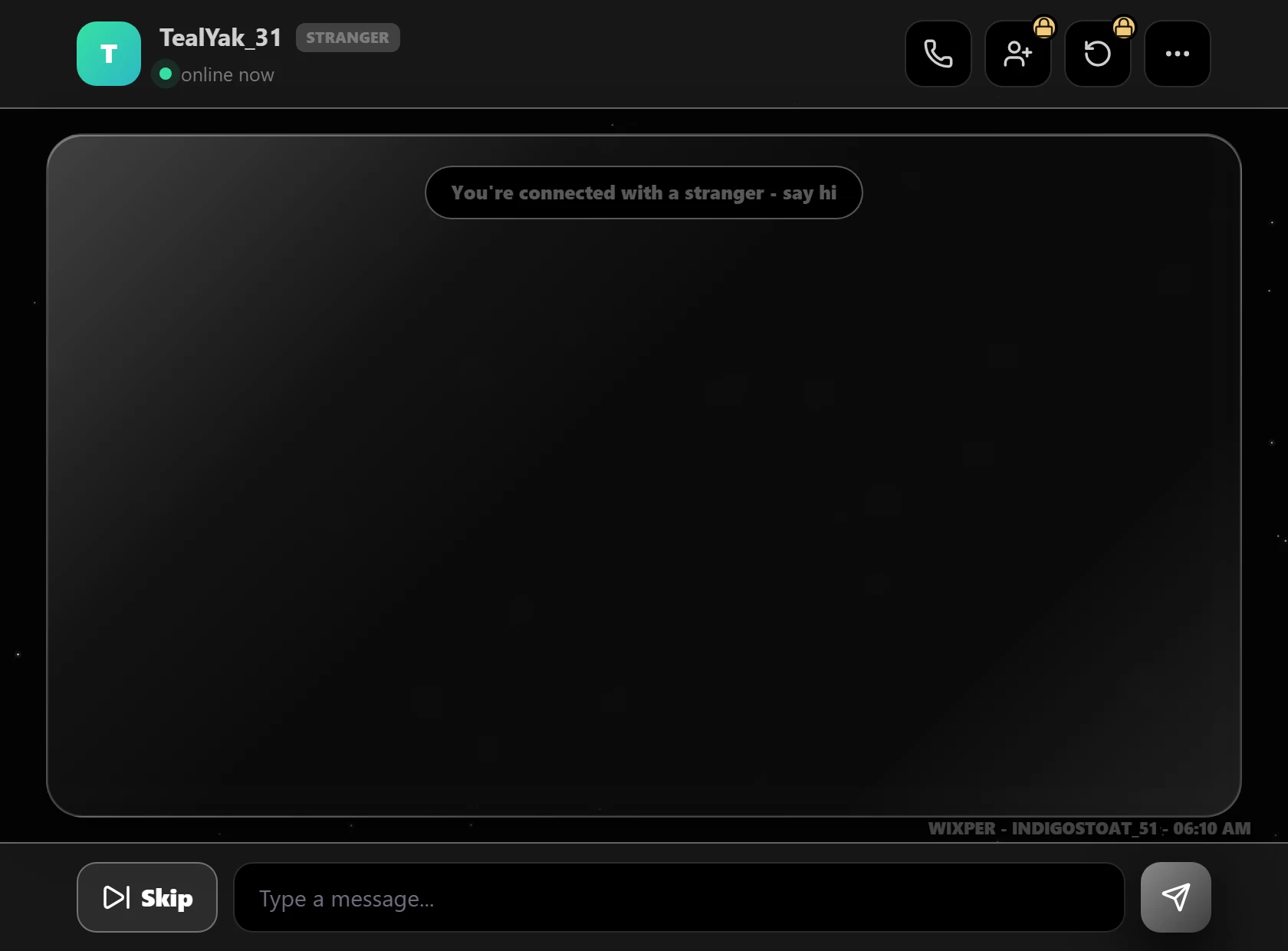
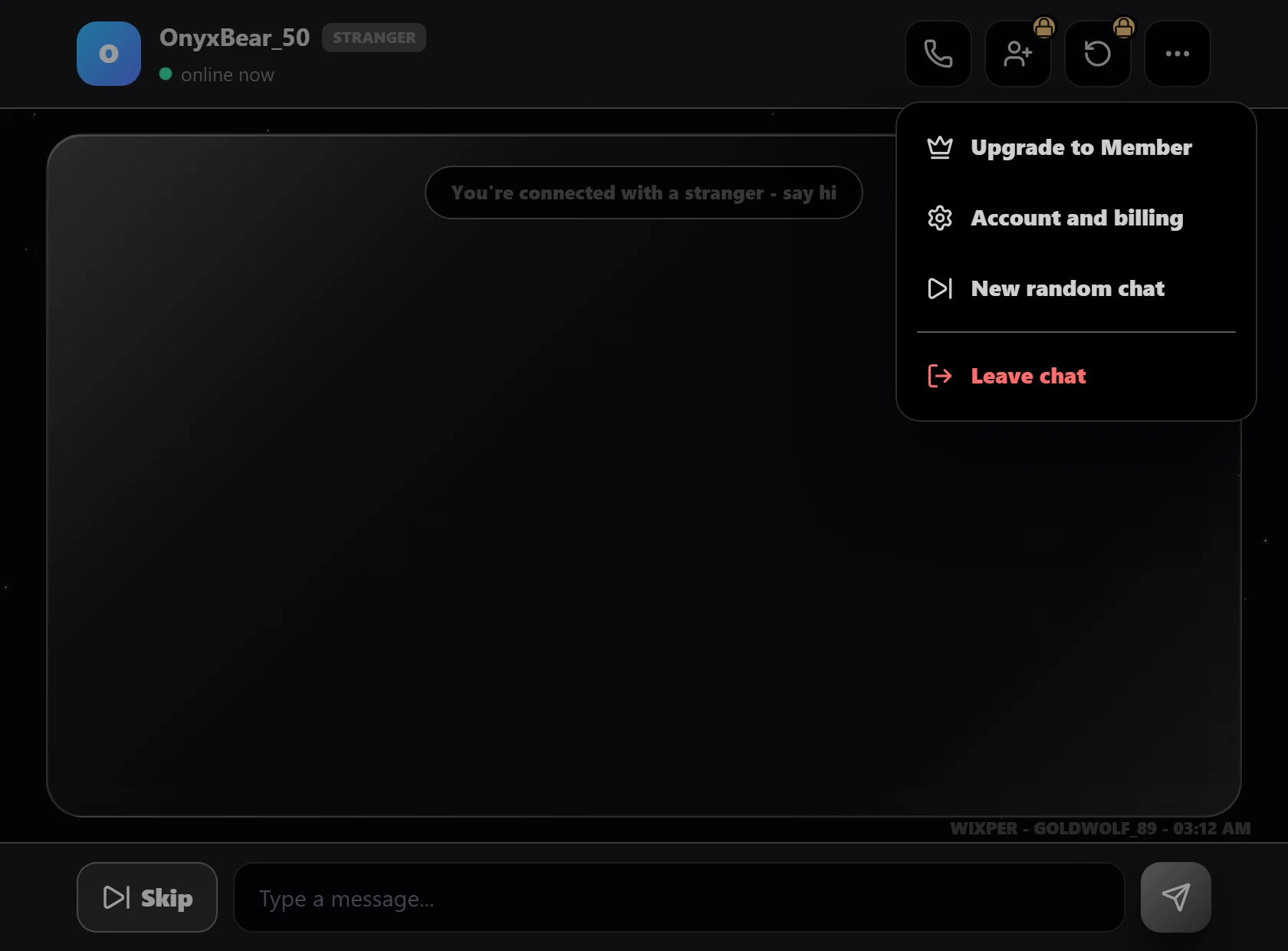
- Begin in text. Use the opening exchange to judge tone and respect. You can press Skip to move away from the current match or Leave chat to exit the conversation experience.
- Choose whether to change modes. Audio and video are optional requests after a text match. The other person can accept or decline, and your browser asks for the relevant device permission.
A Generated Name Is a Privacy Layer, Not a Disguise
A generated label helps because it avoids placing your usual account name or public profile in front of a stranger. It also makes it easier to enter without building a searchable identity page. That is a meaningful reduction in default exposure.
It is still only one layer. The label does not erase network information needed for a connection, hide details you type, prevent screenshots or stop somebody from recognizing your face or voice. It also does not prove that the other guest is being truthful. A friendly story, familiar interest or convincing photo can still be misleading.
Use the label to create distance while you decide whether the interaction feels respectful. Do not use it to harass, deceive, threaten or evade the Community Guidelines. The same rules apply even when neither person begins with a conventional profile.
One-to-One Matching Is Not a Public Chat Room
Wixper currently connects two guests for a private one-to-one session. It is not a scrolling public room where many participants post into the same visible feed. That difference changes the experience, but it does not turn the matched person into a trusted contact.
People searching for an anonymous chat room may expect public groups, topic channels, dating spaces, peer support or a permanent community. Wixper does not make those promises. It is a random conversation service, not a dating service, therapy platform, crisis line or professional advice provider. If you need urgent help, contact an appropriate local emergency or crisis service instead of relying on a random match.
A one-to-one design can reduce audience size, yet the person on the other side remains unknown. Apply the same care you would use in any first meeting: share slowly, question requests for secrecy or money, and end the exchange when the situation stops feeling right.
Protect Your Identity Before You Share More
The easiest privacy decision is the one made before pressure begins. Consider keeping these details out of an early conversation:
- Your full name, personal email address or everyday social username.
- Your home address, live location, building name or nearby landmark.
- Your school, employer, shift pattern, uniform or regular route.
- Phone numbers, backup accounts or contact details tied to your real identity.
- Payment information, one-time codes, identification documents or account recovery answers.
- Travel plans, household routines or information showing when you are alone.
- Photos with faces, badges, letters, screens, vehicle plates or recognizable surroundings.
Also think about combinations. Sharing only a city, only a job title or only a hobby may not seem specific, but together they can narrow down who you are. Search engines and public profiles make reused details easier to connect.
You never owe a stranger proof of your identity. A request to hold up an identification card, share a live location, open a banking app or repeat a security code is a reason to stop. Move to another match or leave the service, then secure any account or payment information you may already have exposed.
Text, Audio and Video Change What You Expose
Text offers the narrowest channel because you can pause before sending and remove details from a draft. It can still reveal writing habits, time zone clues, personal experiences and links to other accounts. Keep the first exchange general and avoid opening unfamiliar downloads or shortened links.
Audio adds your voice and background sound. An accent, name spoken by someone nearby, television program, announcement or workplace noise may reveal more than intended. Wixper's current controls include Voice only and Mute after a call request is accepted. Browser permission should be granted only when you have chosen to use the microphone.
Video adds your face, room and visible environment. Check mirrors, windows, documents, screens, uniforms and notifications before enabling a camera. The current controls include Camera + mic, Turn camera off and Hang up. A camera-off button limits the live feed from that point; it cannot remove something already seen or recorded.
The current policy also says that audio and video use a direct peer-to-peer path when possible or an encrypted relay when needed. During a call, devices exchange network addresses, so the matched person receives your IP address and you receive theirs; that can allow approximate location inference. Review the Privacy Policy before changing modes.
Choosing text does not commit you to audio or video. A request is not an obligation, and an accepted call can still be ended at any time.
Use Skip, Leave and Report for Different Reasons
Wixper gives each action a different role.
Skip is for ending the current match and returning to the matching flow. Use it when the conversation is dull, uncomfortable, mismatched or simply not for you. You do not need to debate or justify the decision.
Leave chat exits the conversation experience. Use it when you are finished or want a fuller break. Closing the tab is also an option, but the visible control makes your intention clear within the current interface.
Report Abuse is the public route for serious conduct or a safety concern. The current product evidence does not support promising an in-chat report button, so this page does not claim one. If a report is needed, leave the interaction first when that is safer, preserve only the information you can collect without further engagement, and use Report Abuse. Do not risk continued contact just to gather evidence.
For broader preparation, read the Safety Center and Community Guidelines before starting.
Recognize Pressure Before Trust Builds
Scams and manipulation often begin with urgency, secrecy or fast emotional closeness. Be cautious when a new contact quickly asks you to move elsewhere, claims an emergency, promises an investment, requests a gift card, sends a payment link or says you must prove loyalty with money or private material.
The US Federal Trade Commission advises that an online contact asking for money is a strong scam warning. Its consumer guidance recommends ending contact and reporting the account or interaction. The same practical rule works across borders: do not send money, codes, financial details or intimate material to somebody you know only through a random conversation.
Pressure is also a useful behavior signal. Someone who ignores a small boundary is unlikely to handle a larger one well. Skip or leave when a person demands personal proof, keeps returning to sexual content, threatens to expose you, insults you for declining or tries to make you responsible for their actions.
What Wixper Is and Is Not
Wixper is a browser-based service for one-to-one guest conversations. It begins in text and can offer an optional audio or video request after a match. The guest path does not currently ask for an email address or a permanent public profile.
It is not a guarantee of an immediate match. It does not verify the real-world identity, history or intentions of the other person. The human check is not an identity check. The generated name is not proof of complete privacy. The service is not a public group community, a professional counselling service, a crisis response tool or a promise that every conversation will be useful.
Those boundaries are part of making an informed choice. Chat anonymously when the current model fits what you want, keep the first interaction low-risk and use the exit controls without hesitation. If the service does not fit your need, do not force the match to become something it is not.
Frequently Asked Questions
Is Wixper completely invisible to everyone?
No. Wixper limits the identity information shown by default through guest entry and a generated label, but that is not complete invisibility. The service processes technical data needed to operate, and the matched person sees what you send or reveal. Audio and video can expose a voice, face, surroundings and network information. Read the current Privacy Policy for the controlling processing and retention details, then keep personal clues out of the conversation when privacy matters.
What does the other person see when we are matched?
The other guest sees the generated session label and the content you choose to share. They do not need your usual public profile in order to begin the exchange. However, they may infer details from your words, writing style, schedule, links, voice, face or surroundings. They can also copy or record what appears on their device. Treat every message or media item as something you may not be able to take back after sending.
Do I need an account or email address to begin?
The current guest path does not ask for an email address or require you to create a permanent public profile. You open the app, read the entry notice, complete the human check and receive a generated guest identity before joining the queue. This limited entry flow should not be read as a claim that the service processes no technical information. Browser connections and sessions still require operational data described in the Privacy Policy.
Is Wixper a public group room or dating service?
No. Wixper currently matches two people for a one-to-one guest session. It does not present a public multi-person feed, topic room or directory of dating profiles. A random match can still choose to discuss relationships, but the service does not verify compatibility, identity or intent. It is also not therapy, crisis support or professional advice. Use a service designed for those needs when they are what you actually require.
Are messages saved by Wixper?
The current Privacy Policy says chat messages are relayed through the application in memory and are not written to disk, and that the application writes no message, identity or connection logs. It separately describes anonymised web-server access logs that rotate after 14 days. These are precise current-policy statements, not a promise that another person cannot copy a message or that every technical record is absent. Check the policy for updates before relying on the distinction.
What changes if I accept an audio or video call?
Audio can reveal your voice and surrounding sounds, while video can reveal your face and environment. Your browser will request the needed device permission, and current controls include Voice only, Camera + mic, Mute, Turn camera off and Hang up. The Privacy Policy says call devices exchange network addresses even when an encrypted relay is used, which can permit approximate location inference. Keep text as your mode whenever those added exposures are not acceptable.
What should I do if a conversation feels unsafe?
Do not stay in the exchange to be polite or to collect more proof. Use Skip to move away from the current match or Leave chat to exit. For serious conduct, use Wixper's public Report Abuse route after you have left when that is the safer order. Do not send money, security codes, identity documents, live location or intimate material. If there is an immediate threat, contact an appropriate local emergency service instead of relying on a random conversation platform.
Start a Guest Conversation With Clear Boundaries
Begin with a generated guest identity, keep the first exchange in text and decide what you are comfortable revealing. You can skip the current person, leave the conversation or decline a request to change modes.